
Plan before it codes
/feature:plan turns an idea into a feature document; /roadmap:create splits bigger work into steps you can run one at a time.
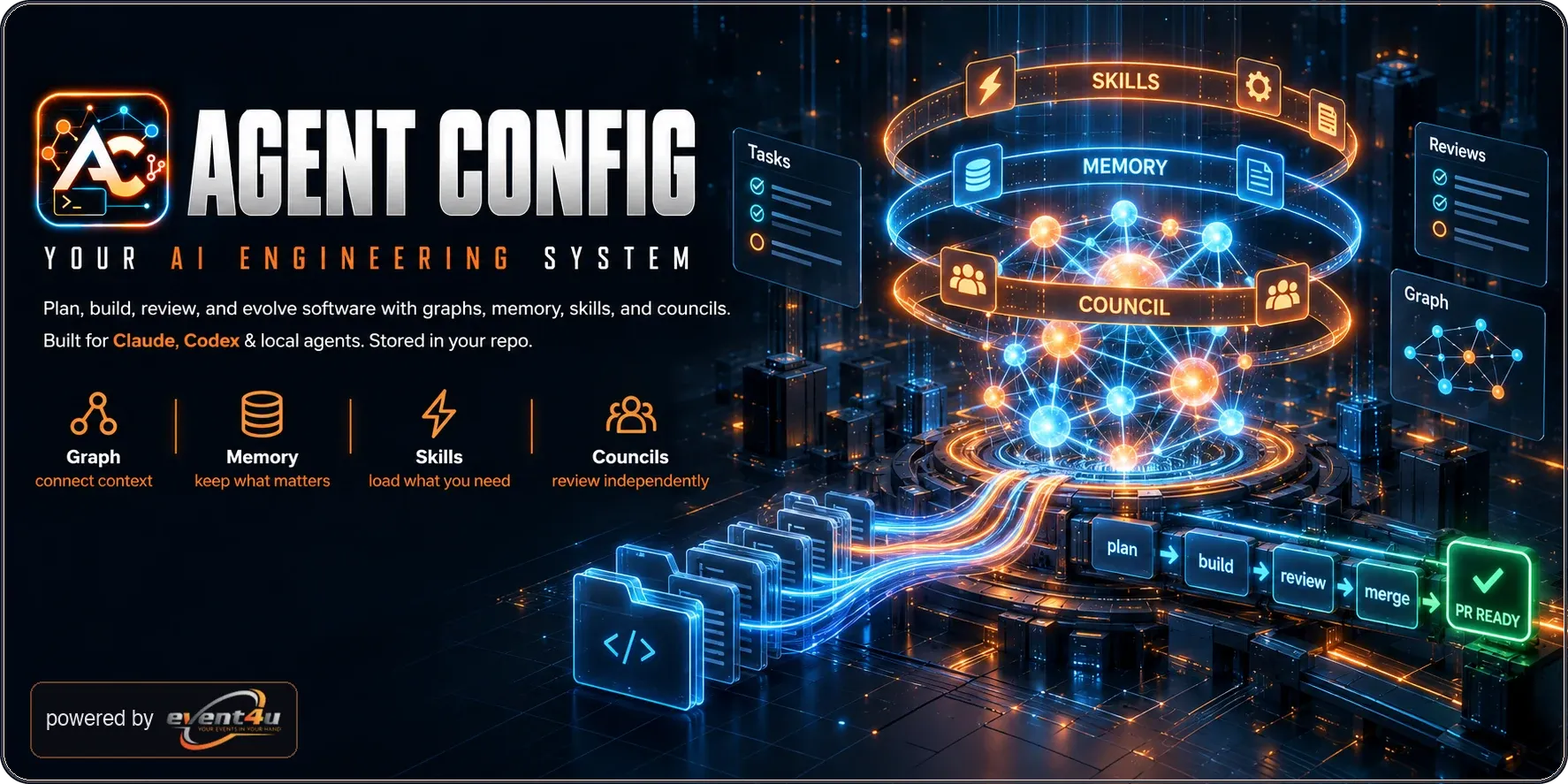
Installs into your user-level AI tool configuration; your repository only gets an agents/overrides/ folder for your own changes. Works with 20 AI coding tools.
npx -y @event4u/agent-config initFree and MIT-licensed. Node 22.6 or newer on macOS, Linux or WSL2. Costs more tokens: about 1.7× to 3.3× on Claude Haiku, not measured on larger models. What it costs →
On a desktop this opens a setup wizard in your browser; in CI or with --yes it installs from the terminal. Install options →
Skills, rules and slash-command workflows installed into the AI coding tools you already use. Your tool still runs the agent; Agent Config changes what the agent is told to do.
Plan before it codes
/feature:plan turns an idea into a feature document; /roadmap:create splits bigger work into steps you can run one at a time.
Implement end to end
/work "add a CSV export" refines, plans, implements, tests and verifies. /implement-ticket does the same from a ticket.
Review before the PR
/review:changes reviews your local diff with focused reviewers for bugs, security, tests, quality, architecture, spec and overbuild.
Check that done means done
Ask @production-validator whether a branch is really finished. It reads the code that would ship and names the placeholder it finds.
Map your code
agent-config code-graph map draws who calls what before you change it, as a page you open in your browser.
Commit and open the PR
/commit splits your changes into logical Conventional Commits; /pr:create writes the pull request description.
Before. You ask your agent to add a CSV export. It writes a handler that returns a hard-coded placeholder, the existing tests stay green and it replies “Done — export implemented.” Nothing ever ran the new code.
After. In Claude Code you ask @production-validator whether the branch is really done. It reads the code that would ship, finds the placeholder and answers NOT READY with the exact file and line. On a branch that is really finished it answers READY and reports nothing. We tested this on two cases: one with a placeholder left in, one finished.
On Claude Code the package can also refuse to let a turn end on “done” when the agent changed files and ran nothing to check them. On every other tool that is an instruction the agent is asked to follow, not a block.
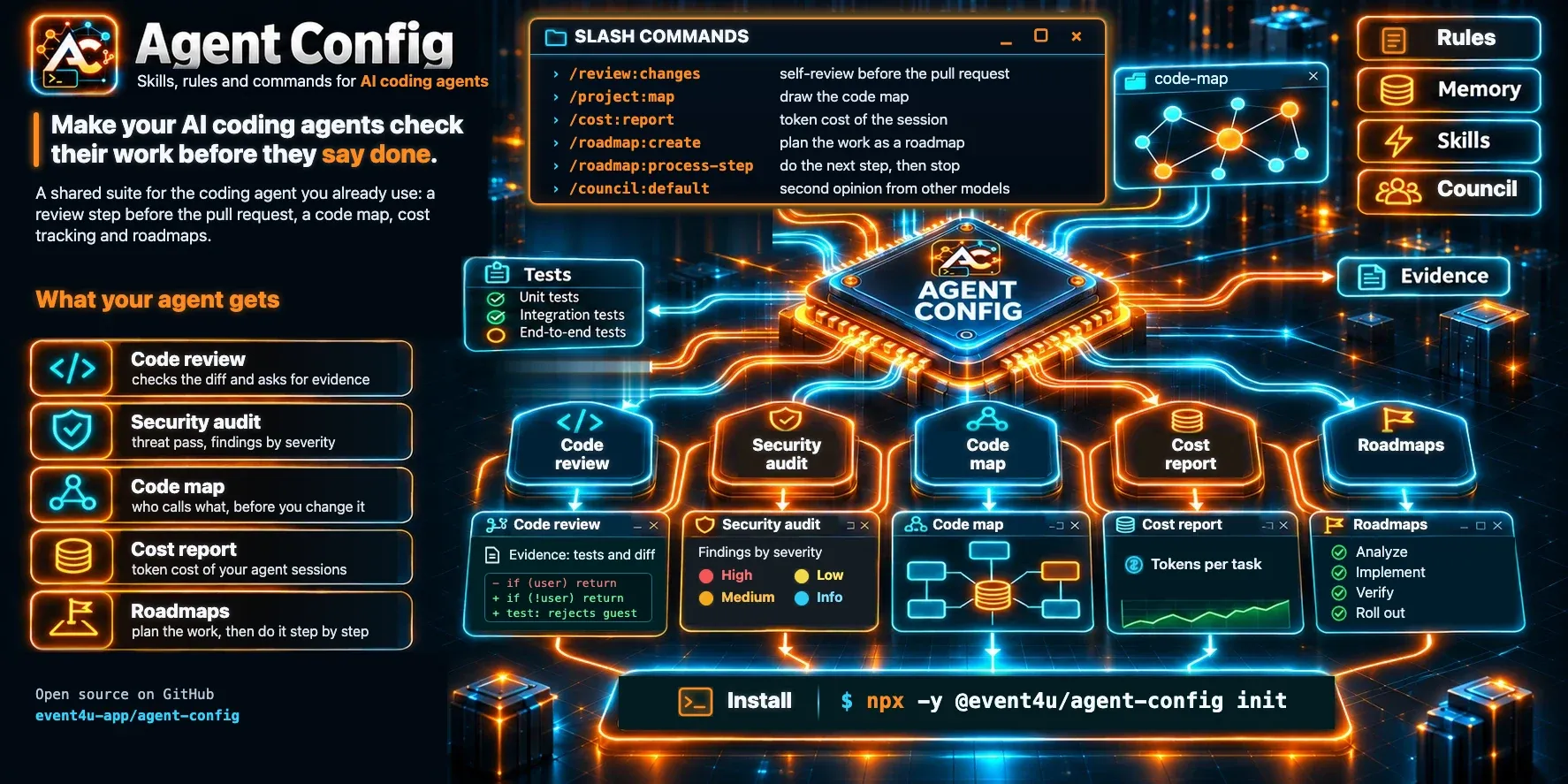
Slash commands drive the workflows; rules, skills and memory shape how the agent works inside them.
You type a slash command in your AI tool. The command loads the skills it needs, the always-on rules keep the agent honest about what it checked, and the result is evidence you can read: a review with file and line, a map, a cost report, a roadmap with ticked steps.