
Code map: see who calls what before you change it
Draw a map of the repository you are standing in and open it:
npx -y @event4u/agent-config code-graph map --openOpen the demo map → — drawn from a sample project, so you can click around before installing. It is sample data, not your code.
What it does
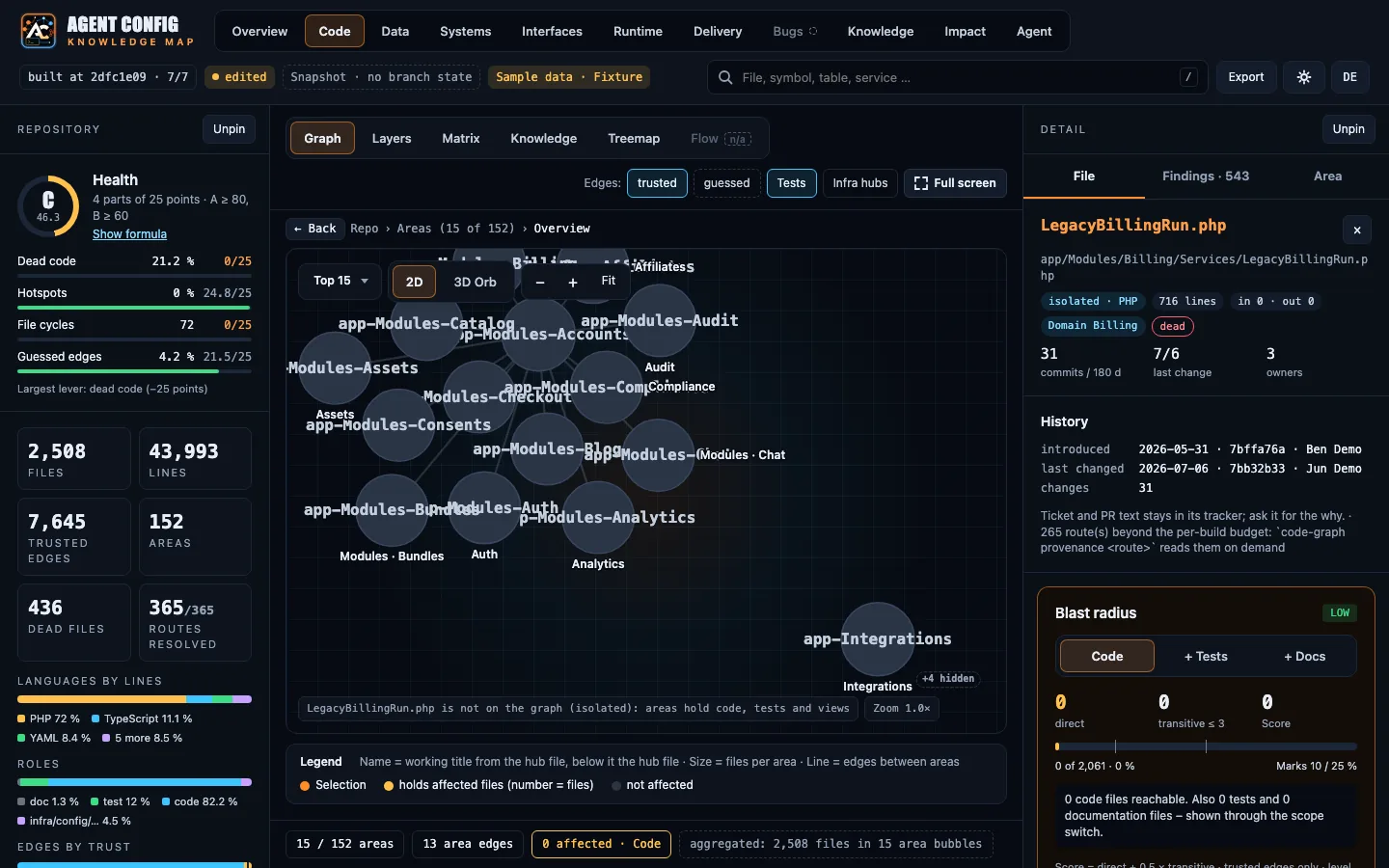
Section titled “What it does”code-graph builds a local index of your codebase, and map draws it: an index.html you open in the browser, a MAP.md your agent reads, and one page per area of the code. The map goes into agents/map/ when the repository already has an agents/ folder (for example after agent-config init --project), and otherwise into ~/.event4u/agent-config/map/, so mapping a repository writes nothing into it. map prints where it wrote. Besides who calls what, it reads — from files only — your migrations and schema files, outbound calls and API contracts, Docker and Terraform setup, CI pipelines and which files change together in git history.
In your AI tool, /project:map draws the same map and points the agent at it.
What it looks like
Section titled “What it looks like”All captures below come from the demo map’s sample project, not from a real codebase.
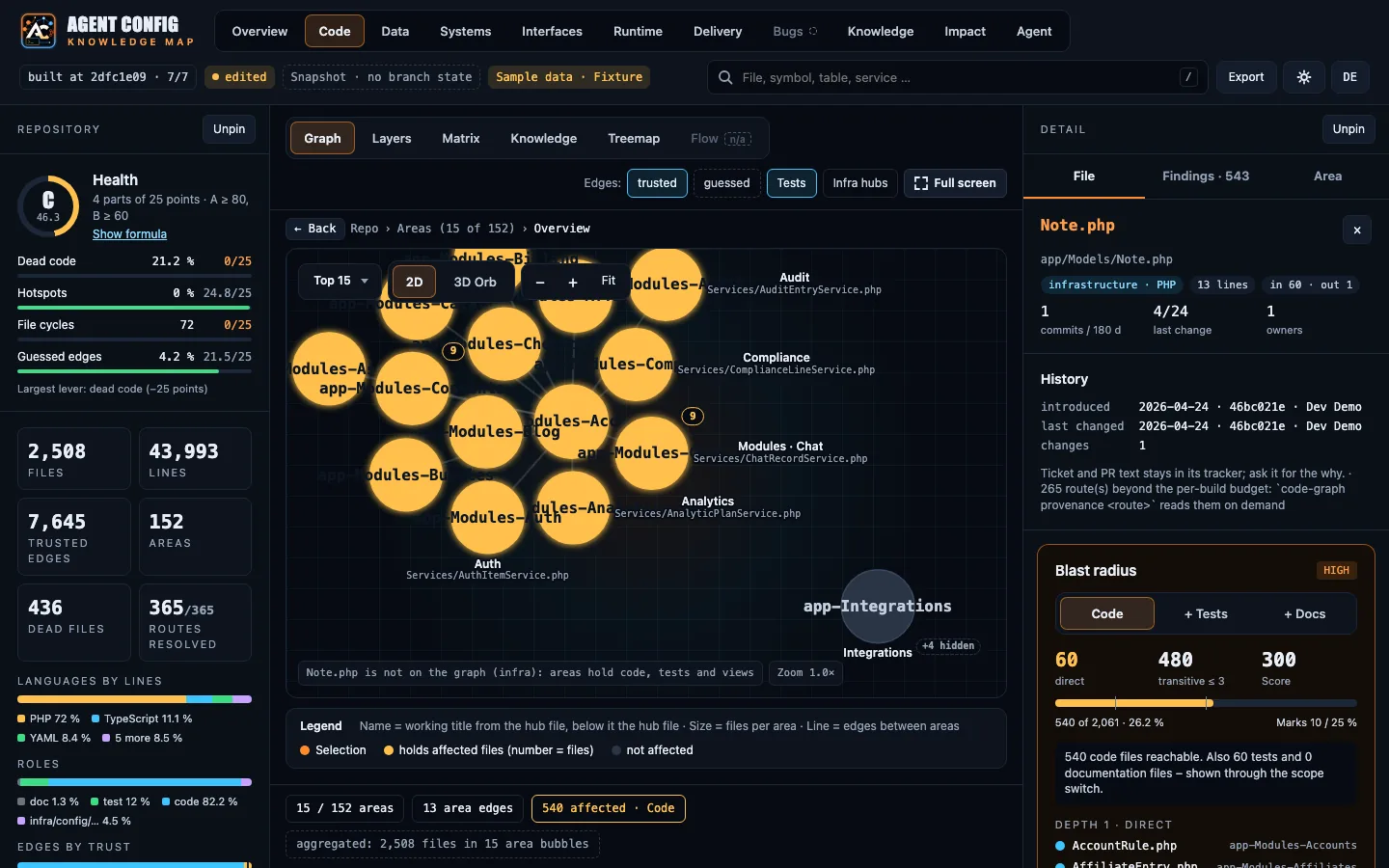
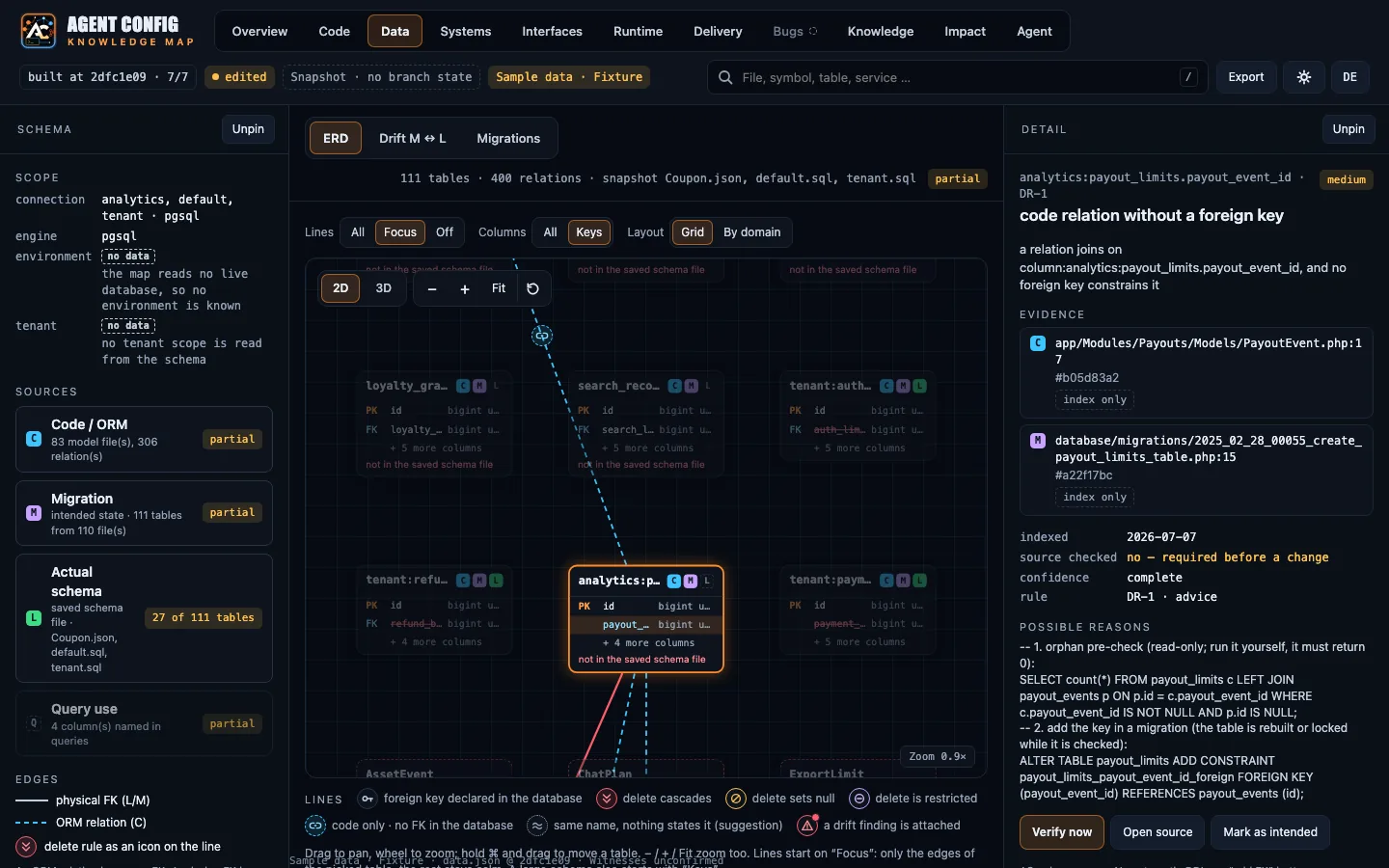
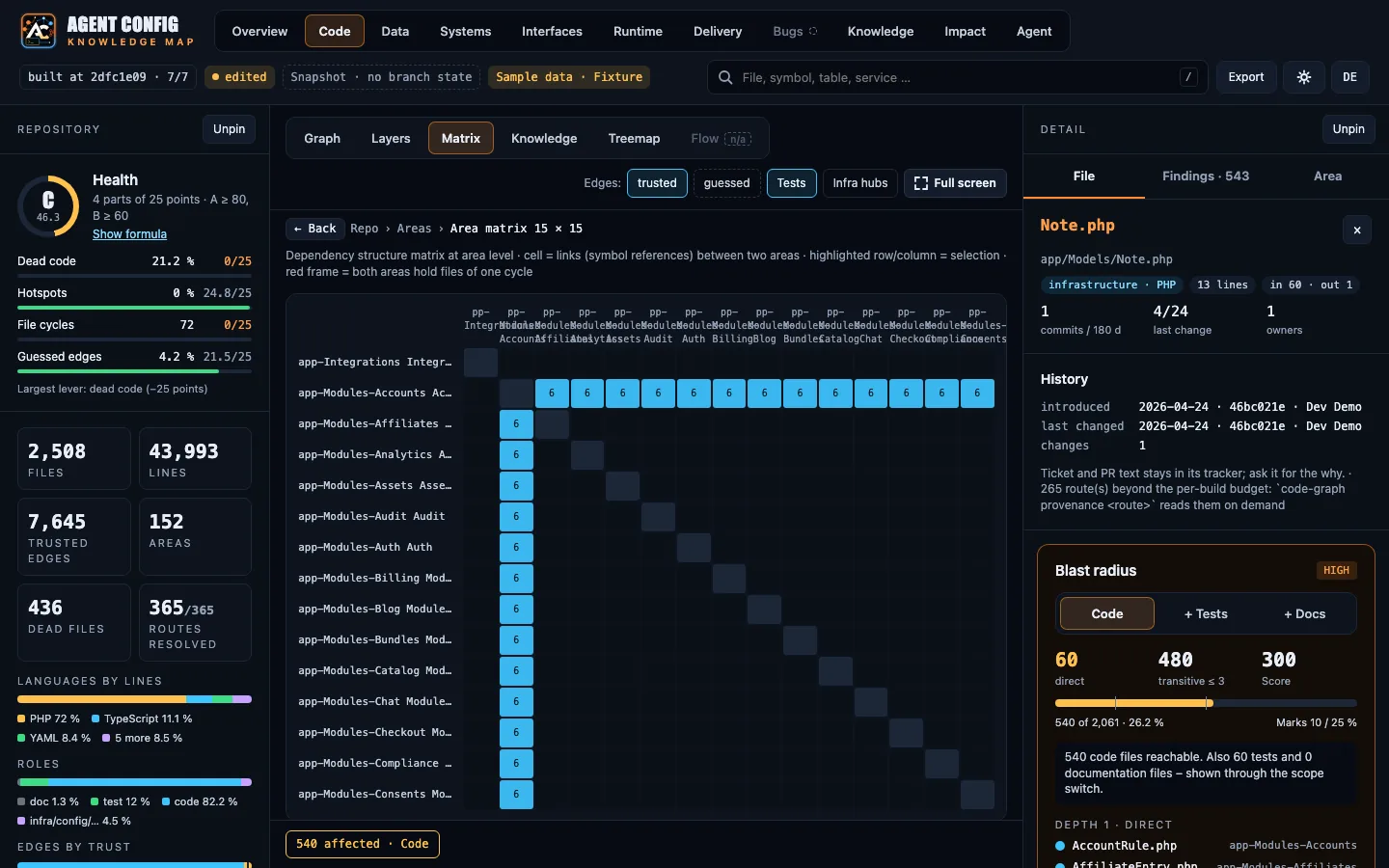
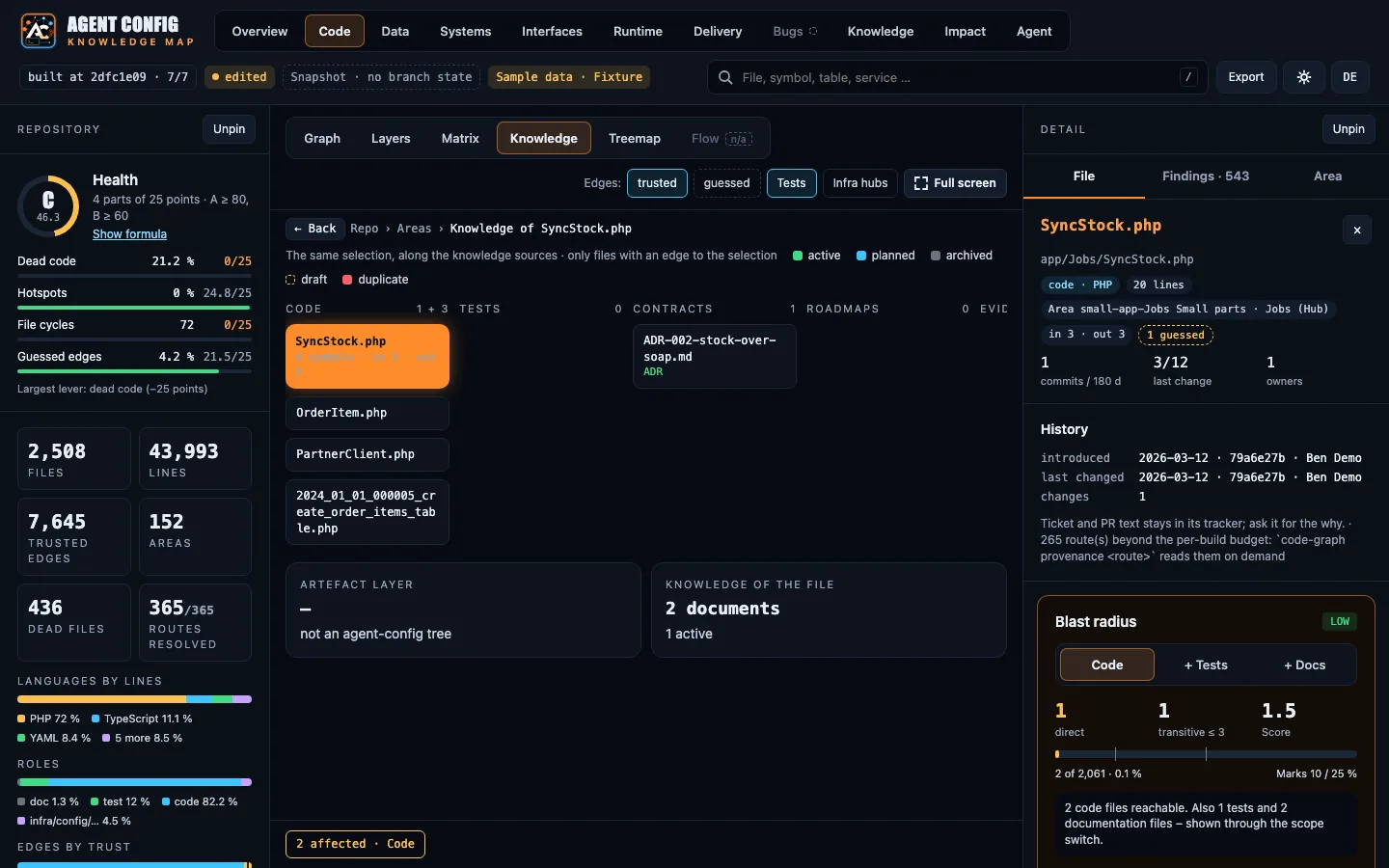
When to use it
Section titled “When to use it”- Before a change you are not sure about:
agent-config code-graph impact --diff mainlists the callers, dependents and test files a diff can break. - To find the tests for a symbol:
agent-config code-graph tests-for <symbol>. - When you join a codebase and want the shape of it in one page.
Example
Section titled “Example”agent-config code-graph ask "who calls createInvoice"agent-config code-graph tests-for createInvoiceask takes one question in words and answers with the symbols and files it names, their callers and their tests.
What it needs
Section titled “What it needs”- Nothing beyond the install: no API key, no database connection, no running service, and no network unless you add
--prsto read open pull requests throughgh. It reads files in your repository. - A browser to view the map.
Limits
Section titled “Limits”- An index is a pointer, not the truth: the agent confirms what it found in the source before it acts on it, and a text search finds what the index missed.
- It reads files only. Observed state such as a live database schema enters only if you save a dump into the map’s
data/folder yourself. - An area with no facts says “no data yet” and why, rather than being hidden.