“I keep logging out and back in.”
Every account stays signed in at the same time. Switching never logs anyone out.

“I keep logging out and back in.”
Every account stays signed in at the same time. Switching never logs anyone out.
“One account runs dry, the other resets unused.”
Each new session starts on the account that would otherwise waste the most of its quota at its next reset.
“I never know what is left.”
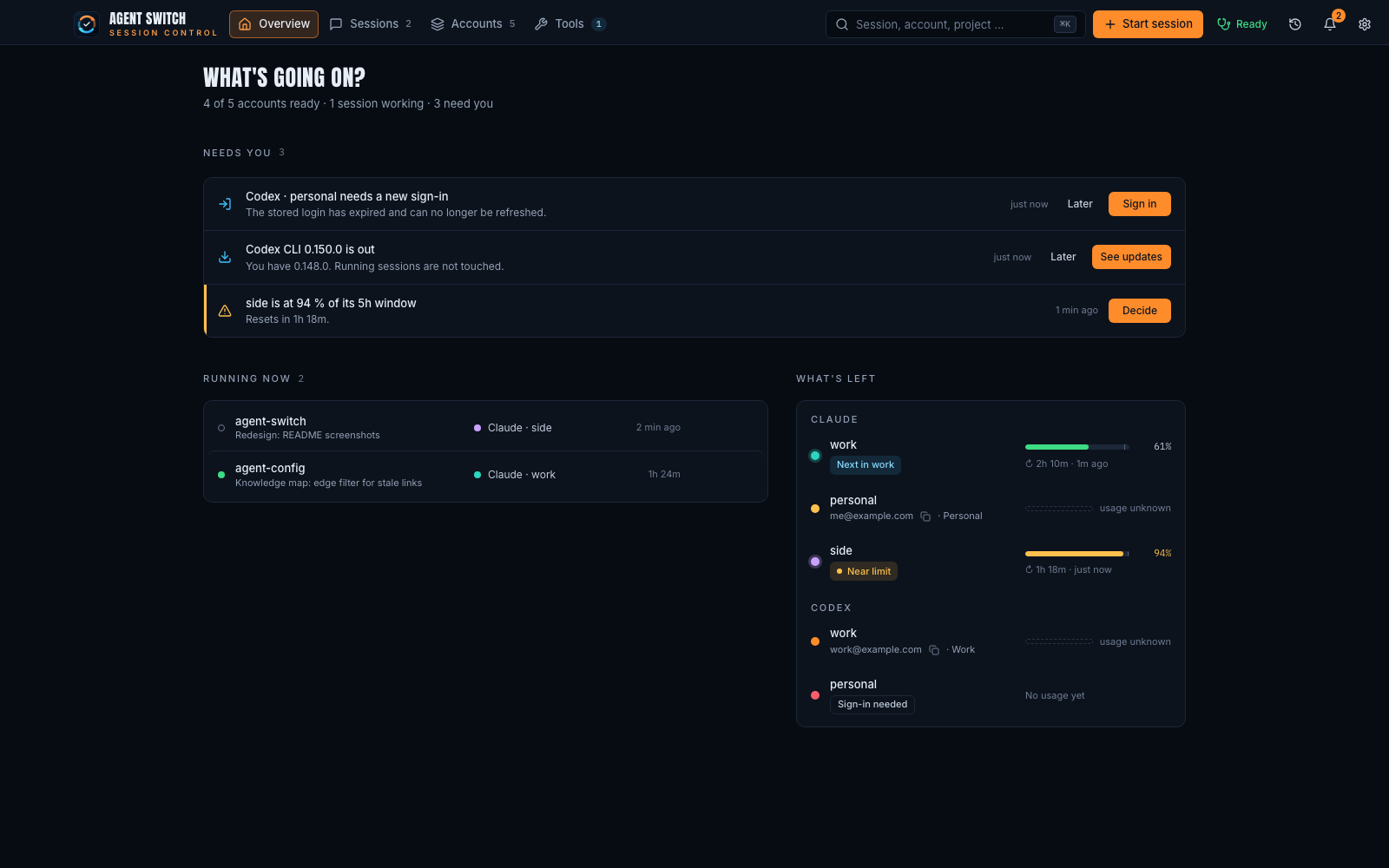
The desktop app shows every account’s 5-hour and weekly limit, live, in your menu bar.
“Client work ends up on my personal account.”
Pin a folder to an account once. Every session started there uses it.
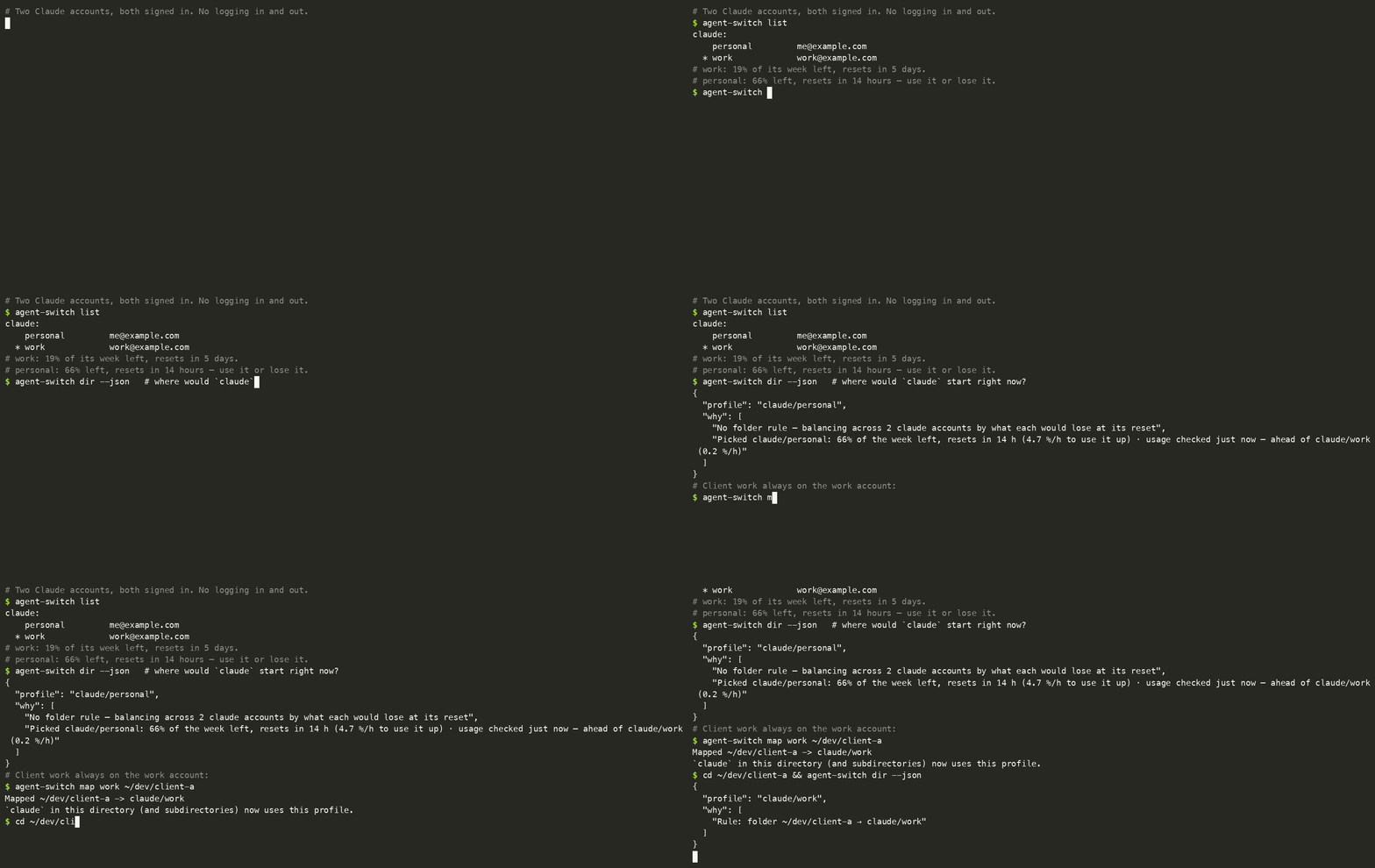
Two accounts are signed in. personal still has 66% of its week left and
resets in 14 hours. work has 19% left over five days. A new session goes to
personal, because its quota would expire first. A client folder is pinned to
work.
Never log in twice
Each account has its own folder and its own login, the way the provider intended. Agent Switch only decides which folder the next session uses. It never copies or swaps a login.
Never waste a paid limit
New sessions are balanced across your accounts by what each would lose at
its next reset. Accounts at their limit are skipped. dir --json tells you
why.
See everything
One window and a menu-bar popover: every account’s limits, every running session with its context %, and the one thing that needs you next.
Move anything
Move a session to another account and continue it there. On macOS, switch the account of a session that is still running, now or when its turn ends.